Sharing
Password-protected links
A Starchive link that asks for a password before it shows anything, and what happens after you type it.
Guest
Checked in Starchive on October 13, 2026
The person who shared these files set a password on the link, so the page shows nothing until you type it.
Open the link
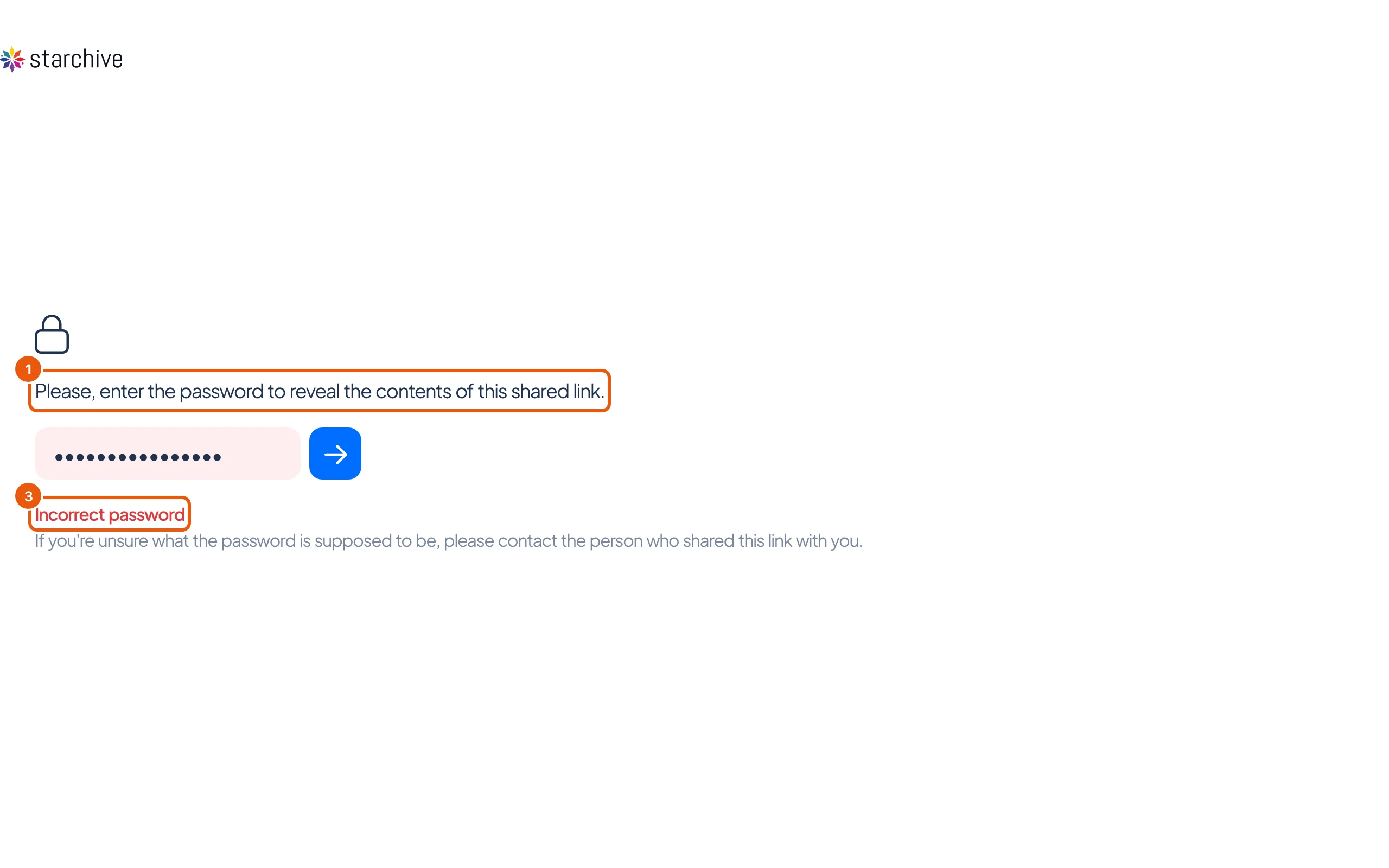
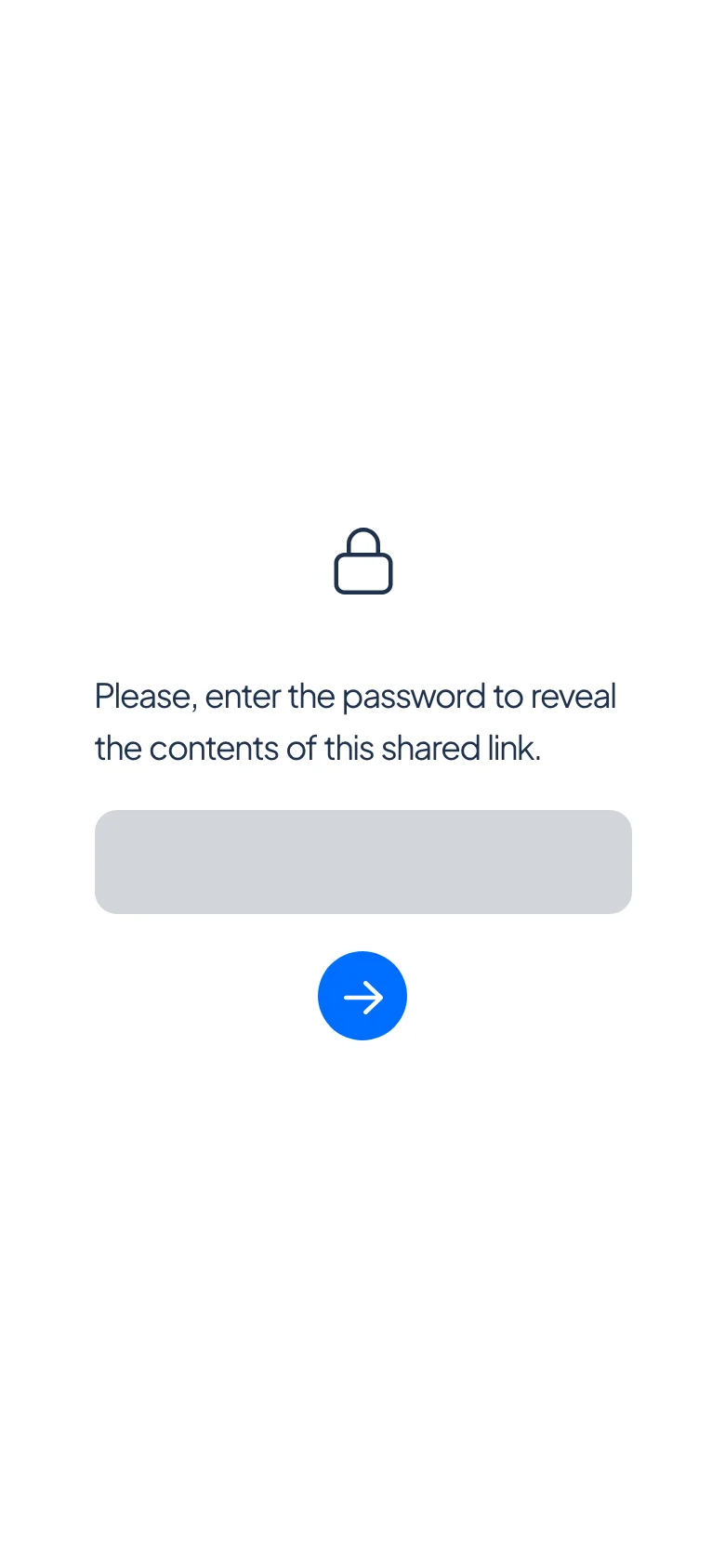
- Open the link. Instead of the files you see a padlock and Please, enter the password to reveal the contents of this shared link.
- Type the password in the box and press Enter, or click the arrow button.
- If the password is wrong, Incorrect password appears in red under the box. Try again, or ask the person who shared the link.
On a phone the box and the arrow button are stacked in the middle of the screen.
After the password
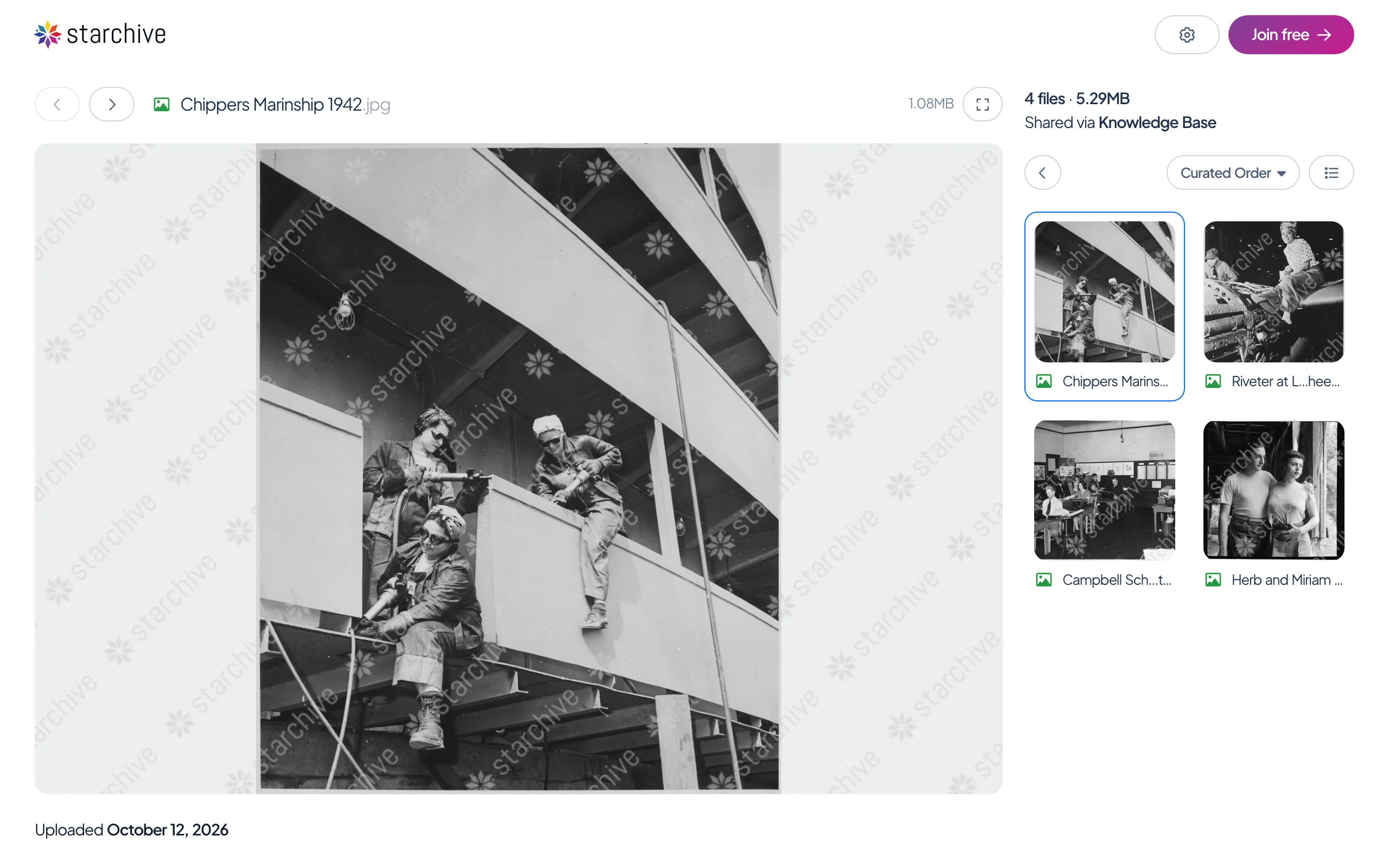
- The files open, as described in Open a shared link. A link with a password often carries other settings too. On this one the pictures carry a starchive watermark and there are no download buttons: the person shared them to be looked at.
Good to know
- Starchive never sends you the password; the person who shared the link does, often separately from the link itself.
- Behind the password, a link works like any other: see Open a shared link and Download from a shared link.
Questions
Where do I get the password?
From the person who sent you the link. Starchive does not send it.
I typed the password and it says Incorrect password.
Type it again carefully. If it still fails, ask the person who shared the link.
Do I have to type it every time?
On this page's run, reloading the page in the same browser window opened the files without asking again.