Sharing
Open a shared link
Someone sent you a Starchive link. What the page shows, on a computer and on a phone, and how to look through the files.
Someone has sent you a link to files kept in Starchive, an archive’s or a collection’s online store. The link opens a page of those files in your browser. You do not need an account.
On a computer
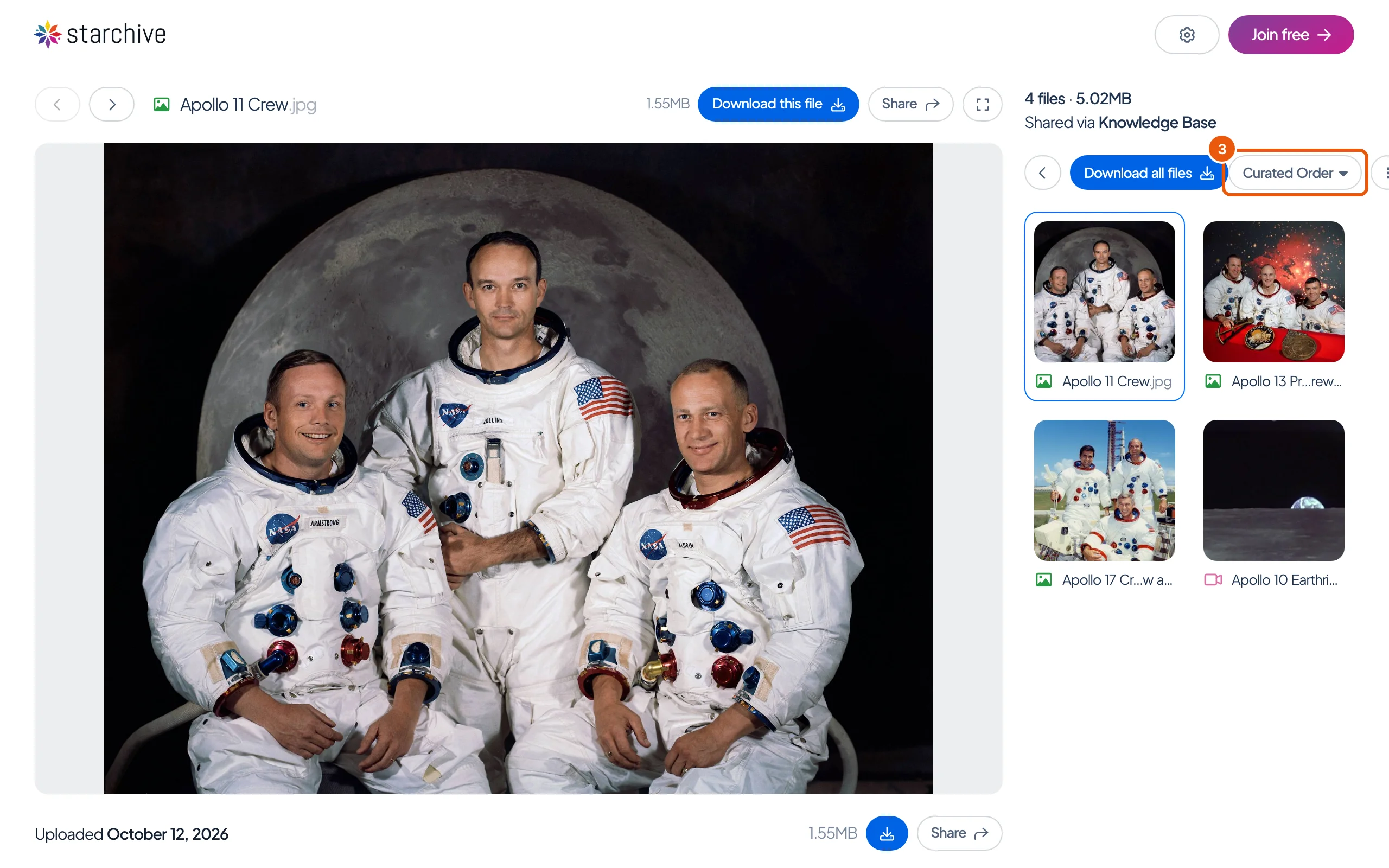
- Open the link. The first file fills the left of the page. On the right, under how many files there are and who shared them (“Shared via” and the archive’s name), every file is a tile.
- Click a tile to show that file, or use the arrows above the file to step through them.
- Curated Order is the order the files were shared in; open it to sort them A to Z, Z to A, or by size. The button beside it switches the tiles to a list.
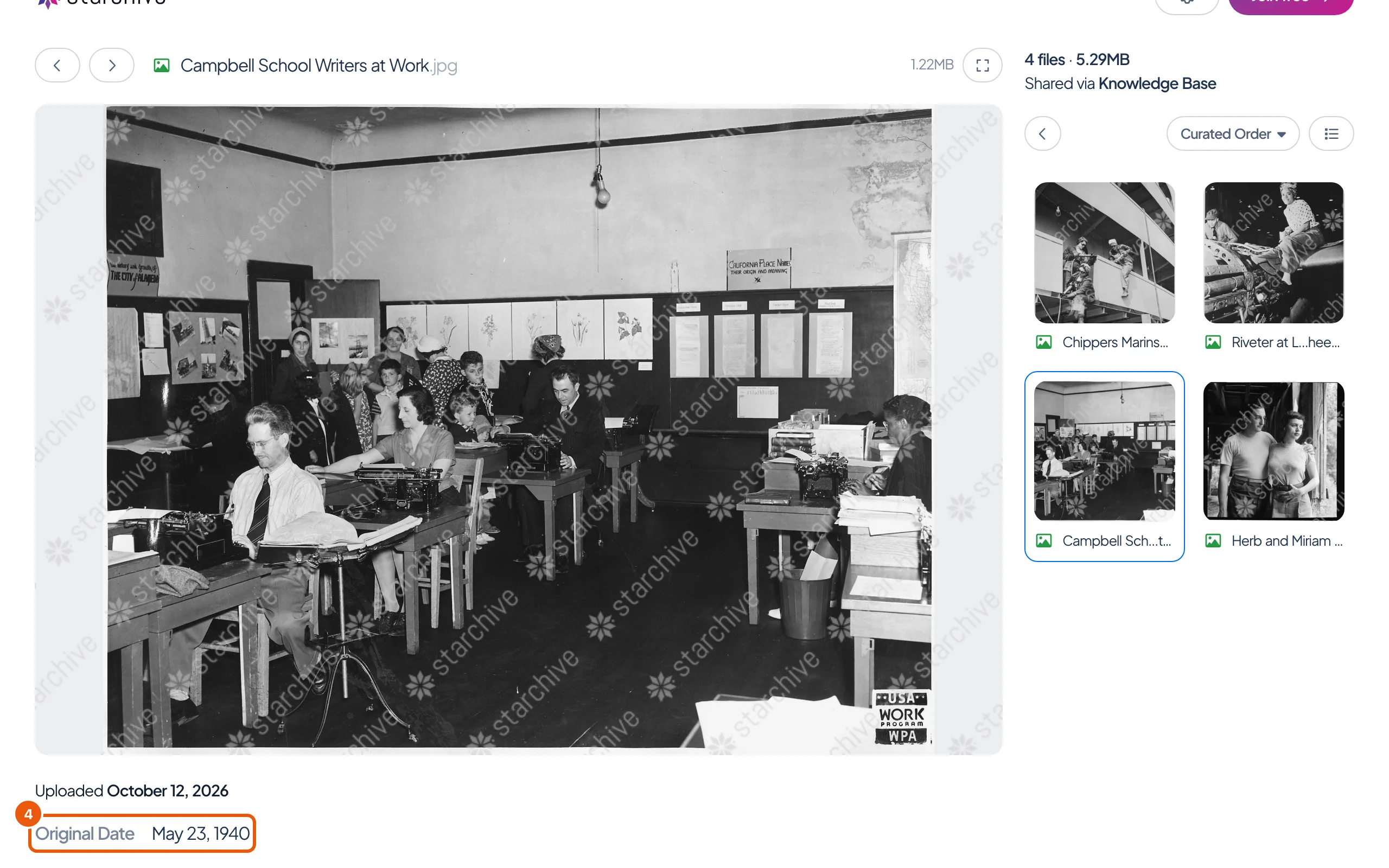
- Some files carry details the archive has chosen to publish, such as the date of the original. They appear under the file, below the date it was uploaded.
On a phone
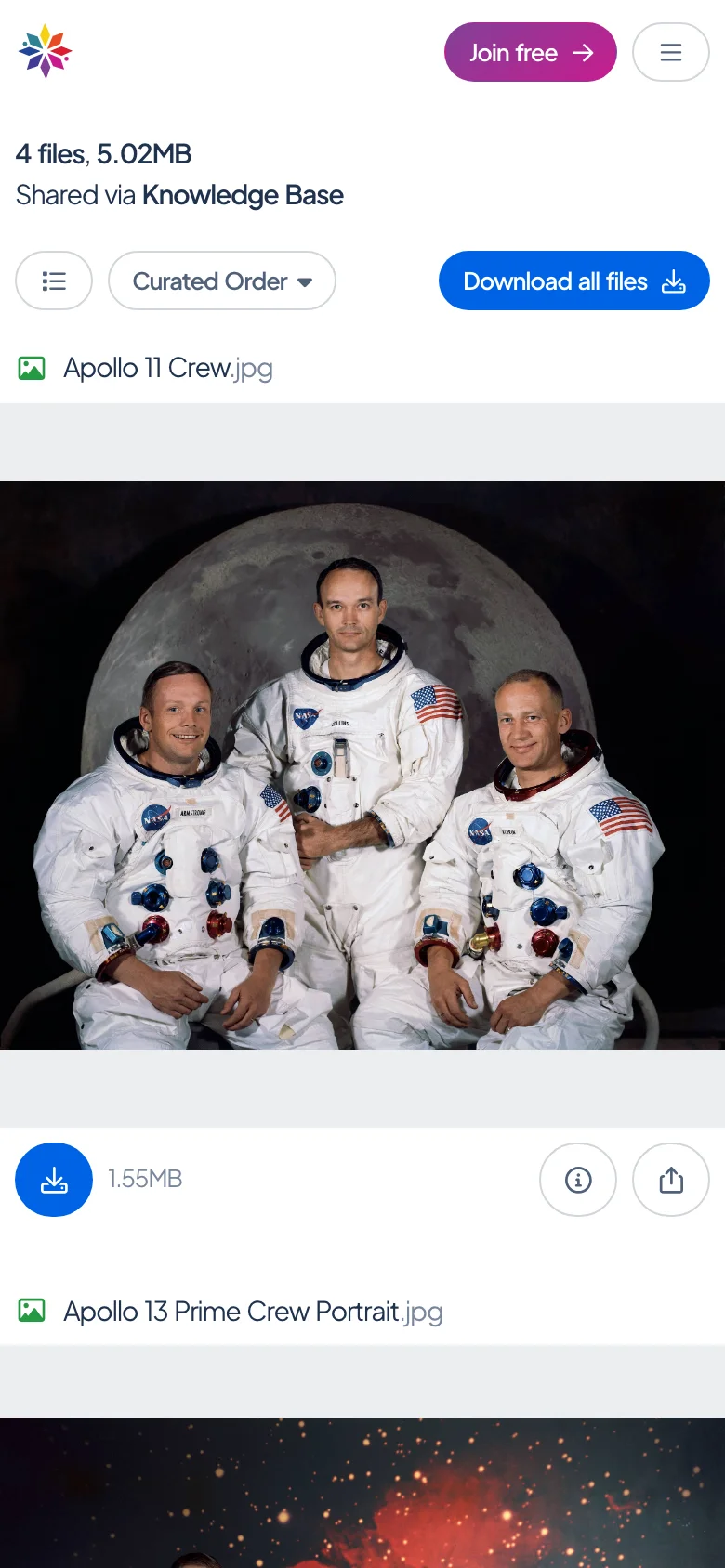
The same link on a phone shows the files one under another: scroll down through them. Each file has its own buttons below it. Curated Order and Download all files sit at the top.
Good to know
- What you can do depends on how the link was shared. Download buttons appear only if the person allowed downloads; see Download from a shared link.
- The gear button at the top right has the page’s own preferences, among them Dark Mode and autoplay for audio and video, plus links to get help or report abuse.
- Share, beside a file, gives you an address for that one file to pass on, as a link or as code to embed in a web page.
Questions
Do I need an account or an app?
No. The link opens in your browser without signing in. The **Join free** button is for making a Starchive account of your own, which you do not need to see the files.
The link asks for a password.
The person who shared it set one. See [Password-protected links](/guide/share/password-protected-links).
The link says the page doesn't exist.
The person who shared it has deleted the link. Ask them for a new one.
Why is there a watermark over the pictures?
The person who shared them turned on screenshot protection.