Finding files
Search
Find files, folders, collections and tags by name, label or field value.
Archivist Admin
Checked in Starchive on October 12, 2026
You want to find something without knowing which folder it is in.
Steps
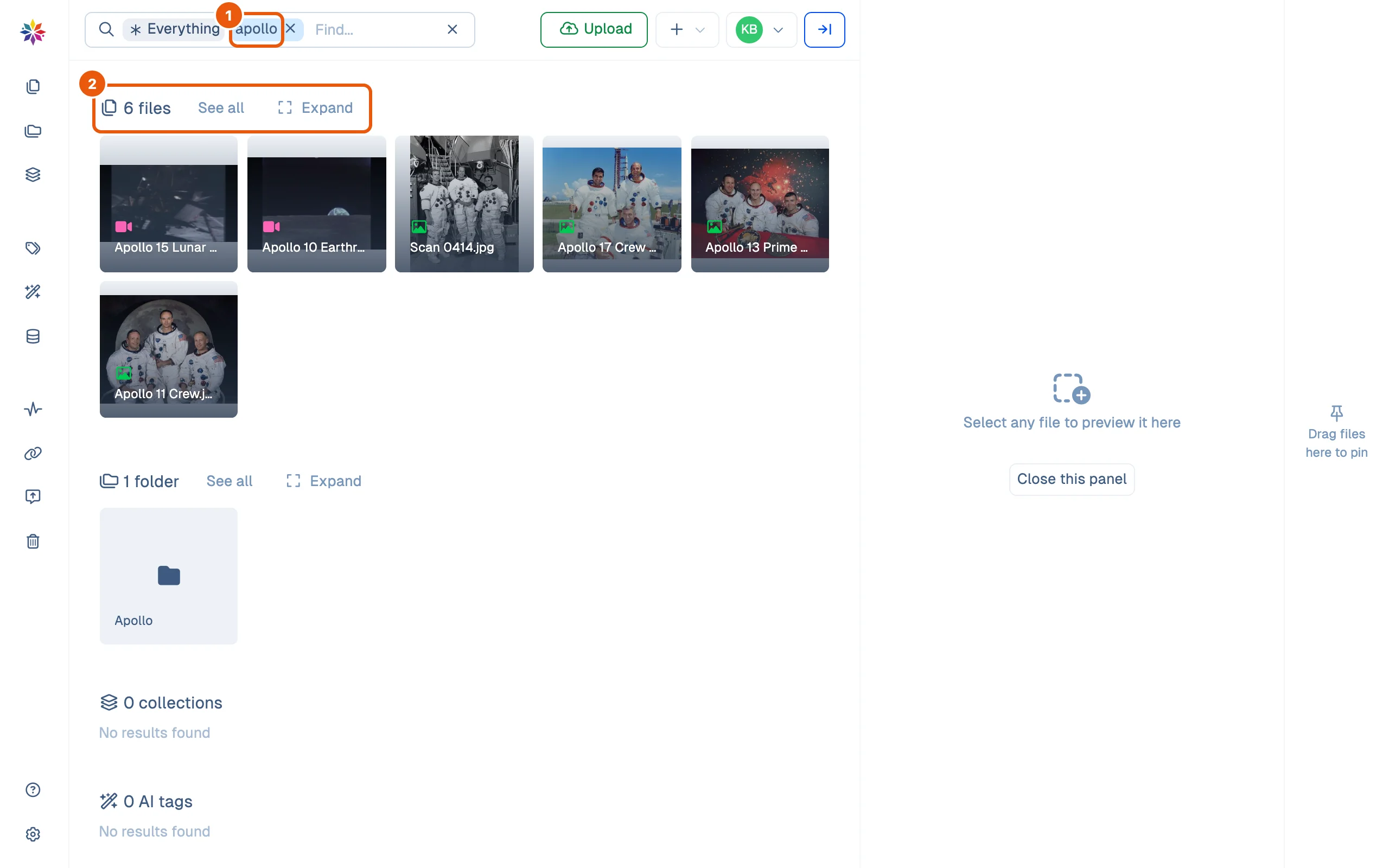
- Click the search box at the top of any screen, type a word and press Enter. The word becomes a chip in the box. Here the word is apollo.
- Read the results. On Search they come grouped: files, folders, collections, AI tags, tags and custom fields, each with a count.
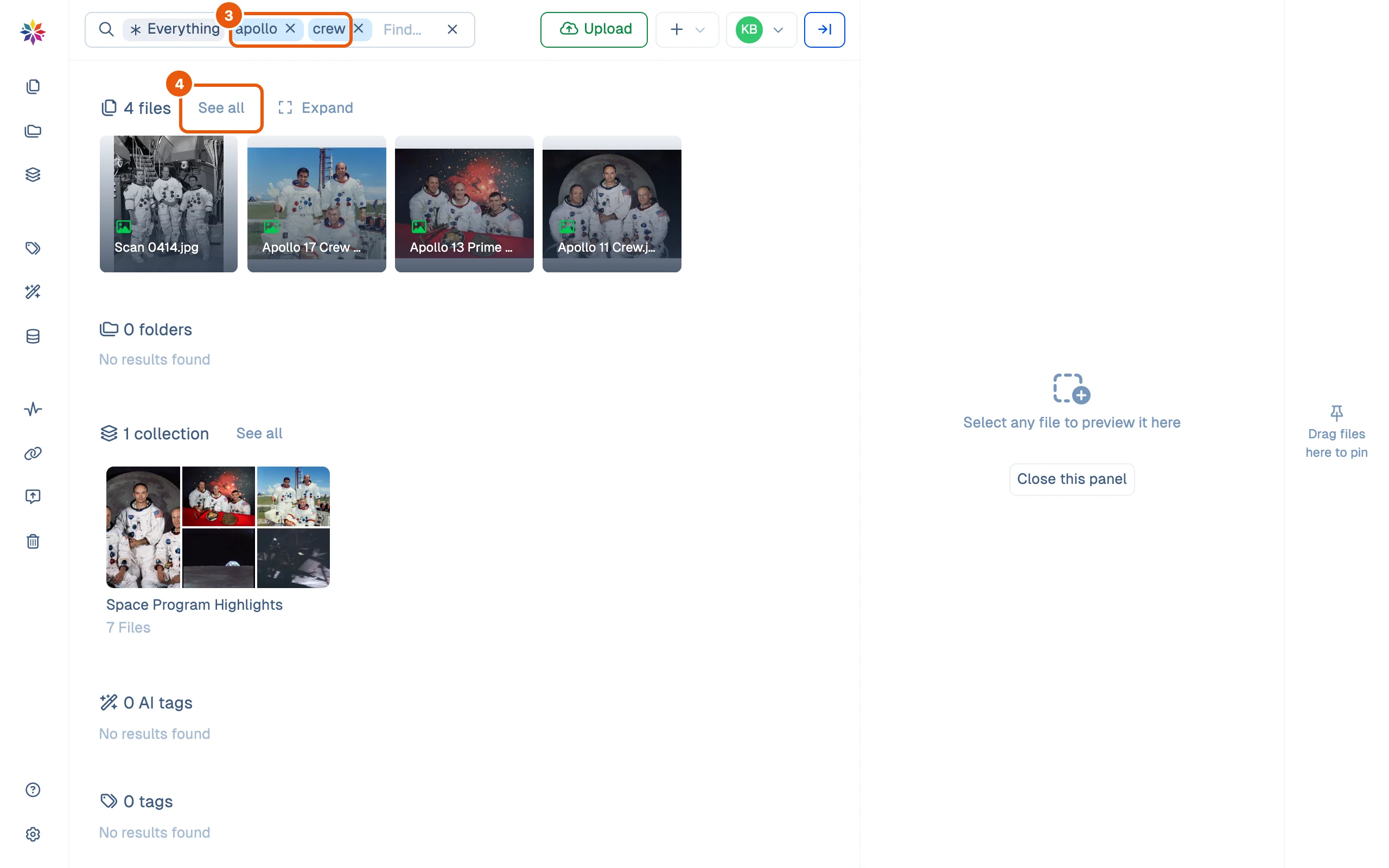
- To narrow it down, type a second word and press Enter again. Files must match every chip: apollo and crew leave 4 of the 6 files. Click the × on a chip to drop it.
- Click See all beside a group to open those results on their own. For files this opens Files, where you can sort them, change the view and add filters.
Good to know
- Search matches a file’s name, its tags, its AI tags and the values in its custom fields: Street Life, a Subject value, finds six files with no “street life” in their names. It does not search the text inside documents.
- Part of a word is enough, and capitals don’t matter.
- The first chip is the scope, where the search looks. On Search it is Everything. Inside a folder it is that folder, and the search stays there: apollo finds nothing in Photographs › Workplace › 1940s.
- The search is in the page address, so a browser bookmark or a pasted link brings it back. Starchive’s own bookmarks do the same from the search box.
What each group in the results is
| Group | What matched |
|---|---|
| Files | Files whose name, tags, AI tags or field values match |
| Folders | Folders whose name matches |
| Collections | Collections that match |
| AI tags | Labels Starchive’s AI added, with the number of files carrying each |
| Tags | Your own tags |
| Custom fields | Field names |
Questions
Does search look inside documents?
No. A search for words from the Gettysburg Address does not find Gettysburg Address.docx. Search matches names, tags, AI tags and custom field values; put the words you need to find in a field or a tag.
Do I need the whole word?
No, part of a word is enough, and capitals don't matter. "chipp" finds Chippers Marinship 1942.jpg.
How do I search everything again after searching in a folder?
Click Search in the rail. Its scope is Everything.
Can I send a search to a colleague?
Yes, copy the address from your browser. The search is part of it, for example app.starchive.io/find?q=apollo. They need access to the same files to see the same results.