Finding files
Bookmarks
Save a search or a filtered list and run it again with one click, in this browser.
You run the same search every week (every crew portrait, every file still missing a date) and want it one click away.
A bookmark is saved in the browser you are using, not in your Starchive account. It does not follow you to another browser, computer or phone, and your colleagues never see it. Clearing your browser’s data deletes it. For a search you need everywhere or want to share, copy the page address instead.
Steps
- Run the search or set up the filters you want to keep. Here: apollo and crew.
- Click the search box. Its dropdown shows the current search, with Save at the right.
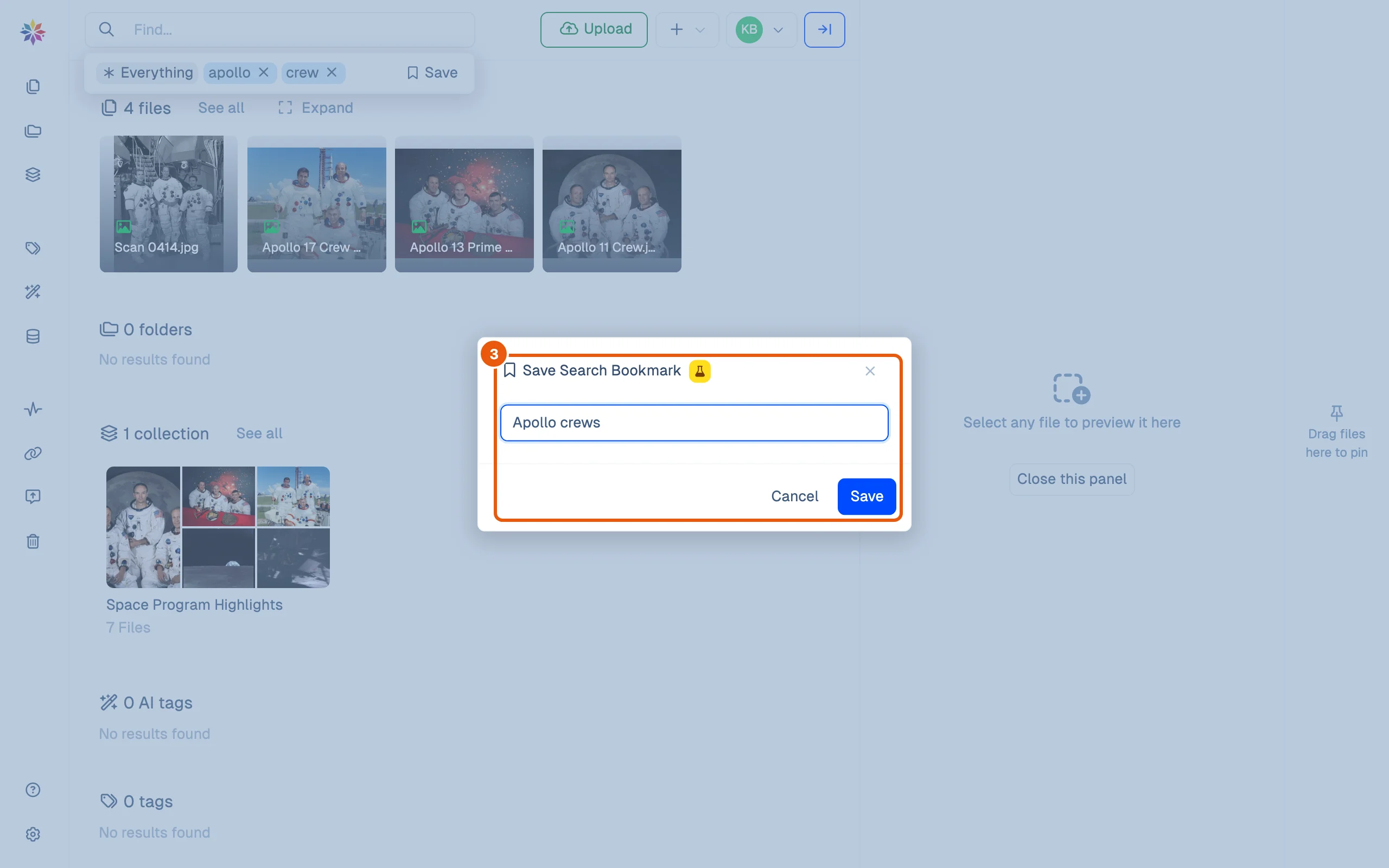
- Give the bookmark a name and click Save.
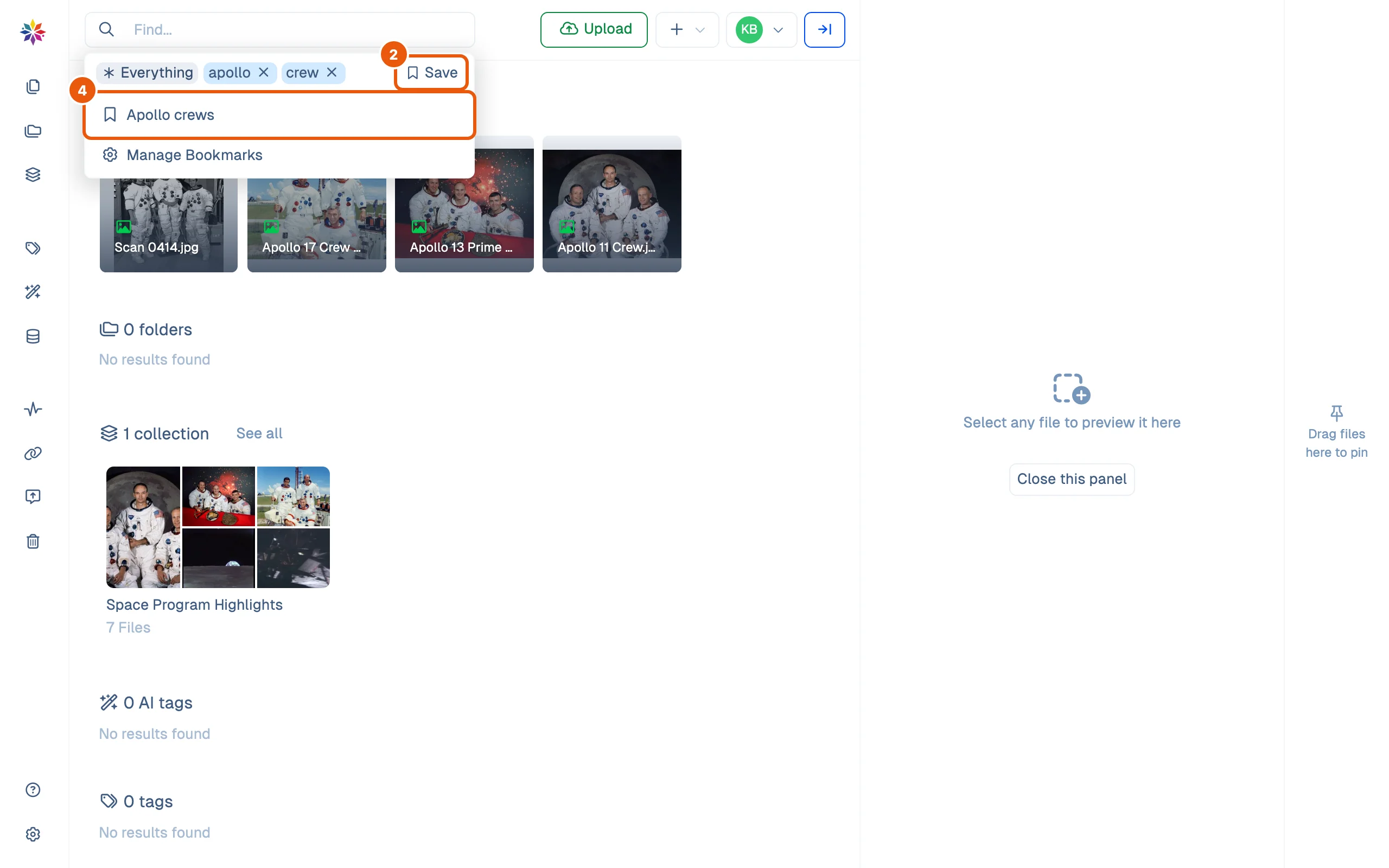
- To run it again, click the search box: your bookmarks are listed under the current search. Click one, from any screen, to open its results.
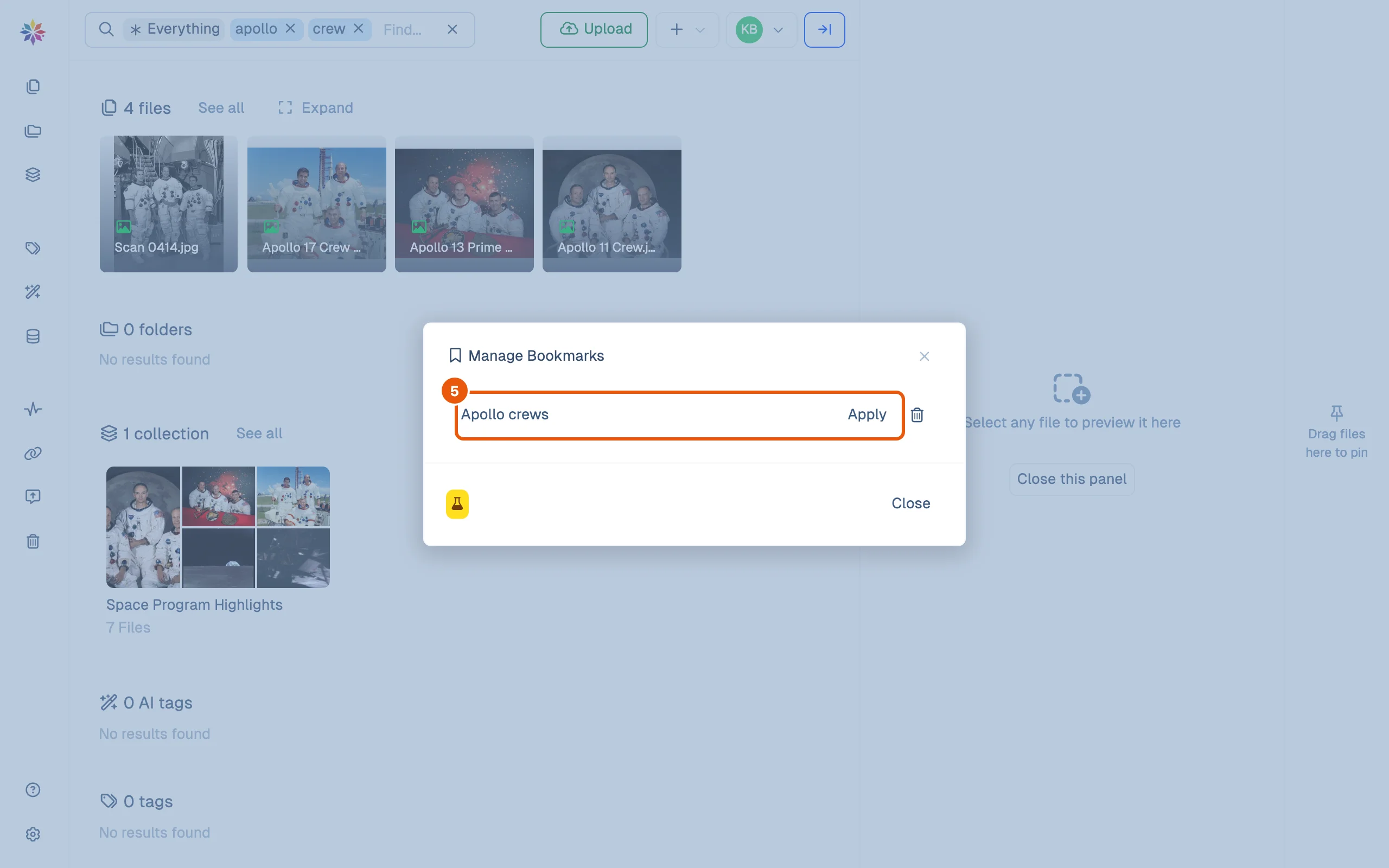
- To tidy up, click Manage Bookmarks at the bottom of that list. Click a name to rename it, Apply to run it, or the bin to delete it.
Good to know
- A bookmark saves the whole page: a search on Search, or a filtered list in Files. A bookmark of
Fileswith the tag crew portrait reopens Files with that filter. - Deleting a bookmark is immediate; there is no confirmation and no undo.
- Bookmarks are marked experimental in the app (the flask icon), so they may change.
- Bookmarks are kept per workspace: if you belong to more than one, each has its own list.
Where bookmarks are stored
Starchive keeps bookmarks in the browser’s local storage for app.starchive.io, one list per workspace, each entry a name and the address of the search. Nothing is sent to your account, which is why they do not travel. Your view and sort choices and the Preferences in Settings are kept the same way.
Questions
My bookmarks are gone.
Bookmarks are kept by the browser you saved them in. On another browser or computer, in a private window, or after clearing your browser's site data, they are not there. They cannot be recovered from Starchive.
Can I share a bookmark with my team?
Not as a bookmark. Copy the address of the search or filtered list instead and send that; it opens the same results for anyone with access to the files.
Does a bookmark remember the results or the search?
The search. Running it again shows what matches now, including files added since.